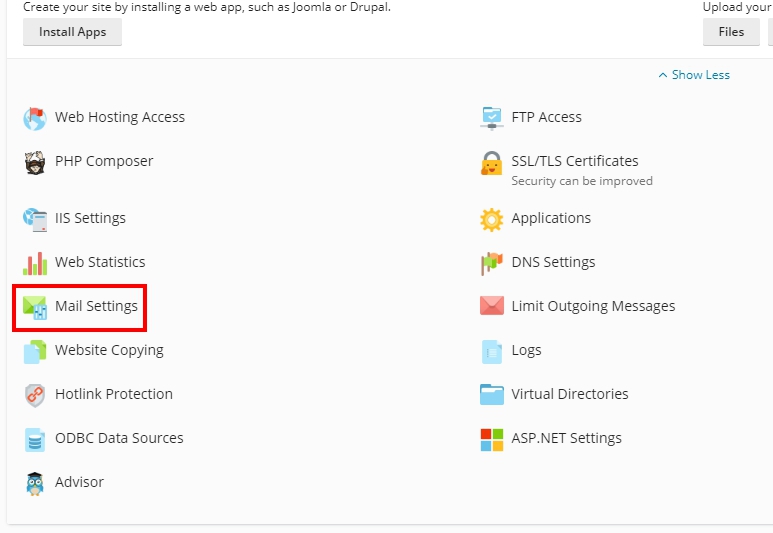
1. Go to Plesk Control Panel.
2. Press SSL/TLS Certificates as shown.
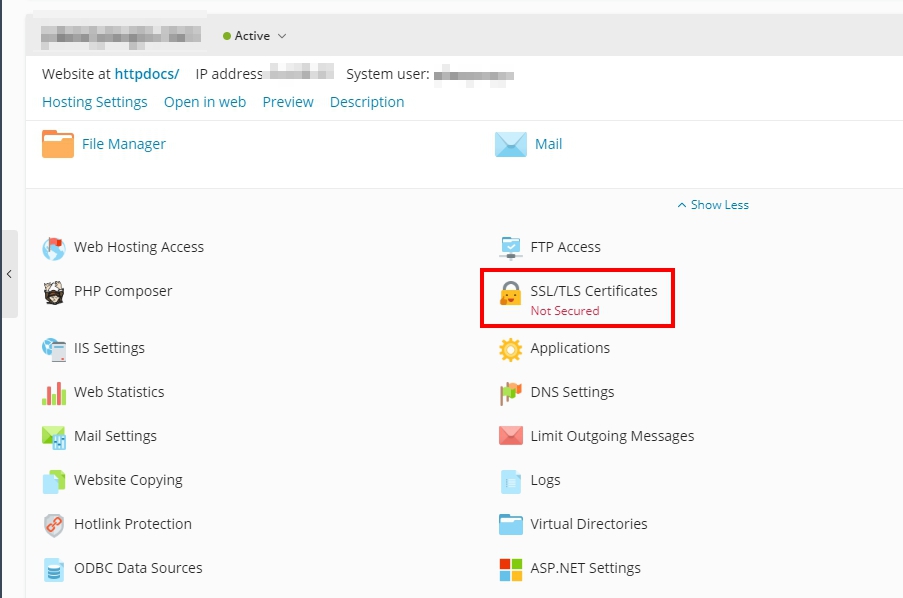
3. Scroll down to the bottom and click on Install a free basic certificate provided by Let's Encrypt.

4. If you want to create SSL only for domain.com and www.domain.com, do as shown.

If you want to create SSL for the main domain domain.com , www.domain.com and sub-domain names such as abc.domain.com, webmail.domain.com, do as in the picture.

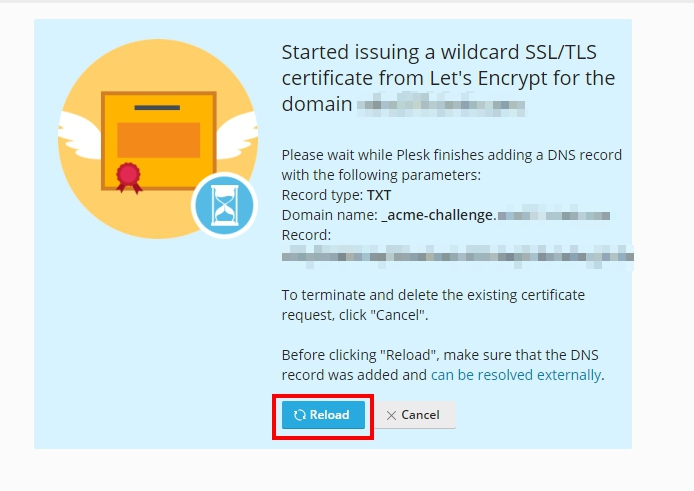
5. The system will display a message that In the process of adding a TXT Record, press Reload (only for wildcard creation).
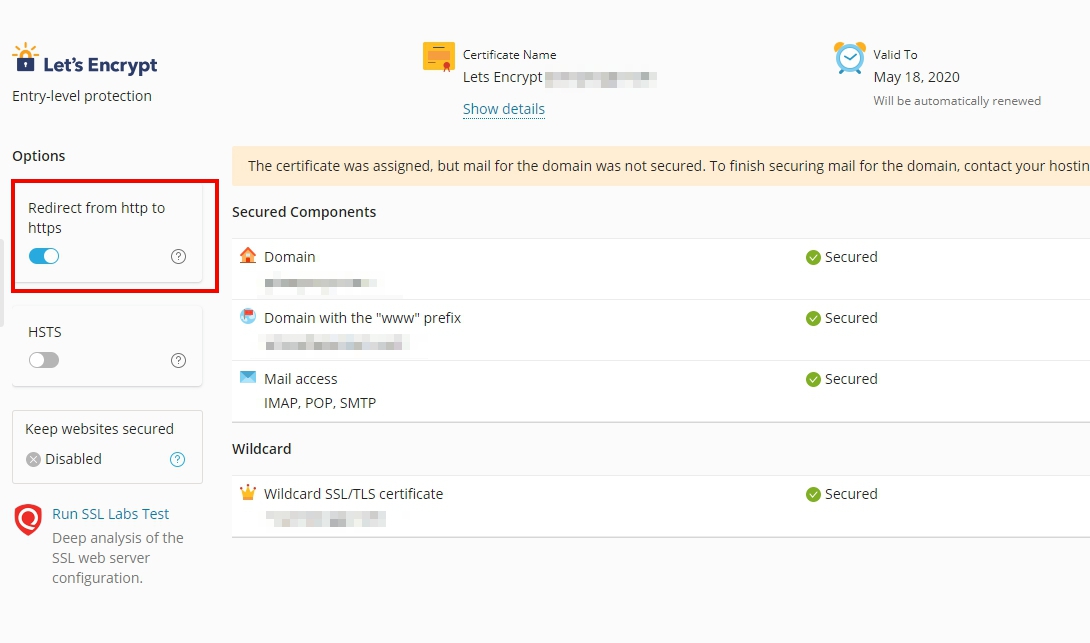
6. If the SSL installation is complete, the status of ✅ Secured will appear. and the system will take you to the overview page of safety.
7. The system will create security by automatically installing SSL for you as shown in the picture.
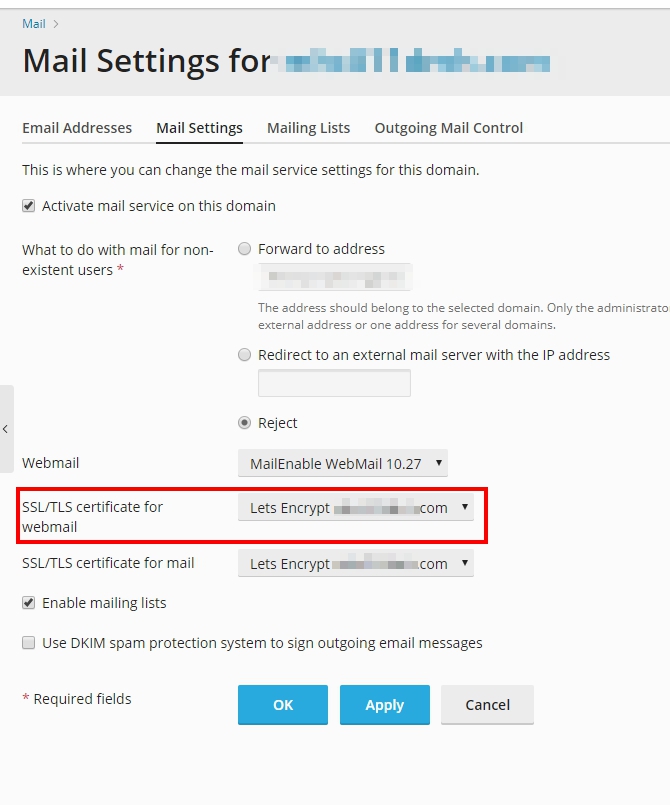
8. Check SSL settings for Webmail by going to Mail Settings, then in the SSL/TLS certificate for webmail section, select Lets Encrypt yourdomain.com as shown.